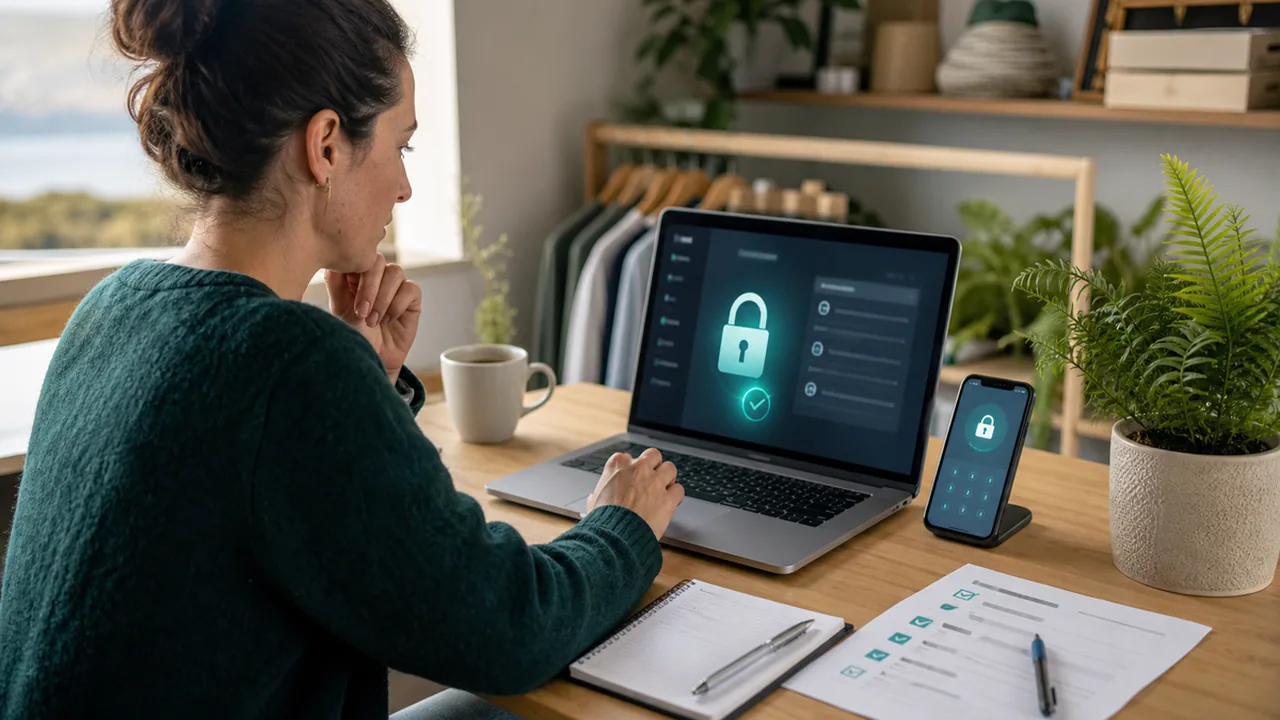
Small Business Cybersecurity Guide: Protect Your NZ Company in 2026
A practical NZ small business cybersecurity guide covering passwords, phishing, payment checks, backups, privacy breaches, and incident response.
Quick answer
Small businesses do not need a complicated cyber programme to get safer. Start with strong sign-ins, staff phishing habits, payment-change checks, backups, and a short incident-response plan. If money, customer data, supplier access, or account recovery is involved, verify the request through a second trusted channel before acting.
This guide recreates the legacy NZAI small-business cybersecurity page as a local-only C-tier draft. It is written for New Zealand owner-operators, office managers, contractors, sole traders, and small teams that need practical protection without enterprise language.
Why small businesses get targeted
Attackers often aim at small businesses because one compromised mailbox, invoice workflow, or cloud account can create real financial and privacy harm. Own Your Online tells New Zealand businesses to treat online security as part of protecting the business and its customers, not as a separate technical issue [1].
The risk is usually ordinary rather than cinematic: a fake invoice, a supplier-bank-account change, a phishing email, a reused password, or a lost device. The business impact can still be serious even when the attack starts with one normal-looking message.
What should an NZ small business protect first?
Start with the systems that let someone take money, impersonate the business, or reach customer information:
- business email and Microsoft 365 or Google Workspace accounts
- accounting, payroll, banking, payment, and invoicing platforms
- website admin access and domain-name accounts
- customer contact lists, booking systems, and CRM tools
- file storage, shared drives, and backup locations
- social-media accounts used for sales or customer support
Own Your Online’s business guidance groups protection around business basics, staff security, network security, incident management, and practical how-to guides [2]. For a small team, that is a useful order: protect the accounts first, then the workflows, then the recovery plan.
How do we stop account takeovers?
Use unique passwords and multi-factor authentication for every important business account. The priority accounts are email, banking, accounting, domain registration, web hosting, cloud storage, and any service that can reset other passwords.
Good account habits for small teams:
- use a password manager rather than shared spreadsheets or reused passwords
- turn on multi-factor authentication for email, accounting, banking, and admin accounts
- remove old staff access as part of offboarding
- review account recovery email addresses and phone numbers
- avoid shared admin logins where each person should have their own account
- keep a written list of who owns each critical account
A strong password is still weak if it is reused. If one unrelated service is breached, attackers can try the same password against business email or accounting systems. For the practical password and MFA steps, use Passwords, passphrases, and MFA: a simple guide.
How do we handle phishing and fake invoices?
Most small-business scams rely on pressure. The message may claim a supplier changed bank account details, a courier delivery failed, a tax notice needs attention, or a staff member must urgently approve a payment. New Zealand Police describes internet scams and fraud as attempts to trick people into giving away money, personal information, or access [3].
Build a verification habit before the team is under pressure:
- never change supplier bank details based only on an email
- call a known number already on file before paying a new account
- verify urgent payment requests with the person through a separate channel
- inspect sender domains before clicking links or opening attachments
- do not approve unexpected sign-in prompts or MFA requests
- report suspicious messages internally even if nobody clicked
For the message-level checks, use How to Spot Phishing Emails, Scams, and Fake Messages. The same logic applies to supplier emails, customer messages, payroll requests, and courier texts.
What should staff know without becoming security experts?
Staff do not need to memorise technical terms. They need clear rules for common moments:
- if a message asks for money, login details, codes, or confidential information, slow down
- if a request changes payment details, verify it by phone using a known number
- if a login page appears after an unexpected email link, close it and go directly to the service
- if a device is lost, an account is compromised, or customer data may be exposed, report it immediately
- if unsure, ask before clicking, paying, forwarding, or uploading
Security training works best when it is tied to daily work. A five-minute discussion about real invoice and password examples is often more useful than a long generic slideshow.

How should we back up business data?
Backups matter because prevention will never be perfect. A small business should be able to recover customer records, invoices, website files, accounting data, and important documents after device failure, account lockout, ransomware, or accidental deletion.
Practical backup checks:
- identify the systems the business cannot operate without
- confirm whether each one is backed up automatically or only stored inside the platform
- keep at least one backup separate from the account that could be compromised
- test that a real file can be restored
- write down who can start the recovery process
- include website, domain, and email recovery details in the plan
A backup nobody has tested is only a hope. Treat restore testing as a routine business task, not a panic task after something breaks.
What if customer or staff information is exposed?
If personal information may have been accessed, lost, stolen, or sent to the wrong person, treat it as a privacy breach until assessed. The Office of the Privacy Commissioner explains that organisations need to sort out privacy breaches and assess what has happened, who may be affected, and what needs to happen next [4].
A calm first response should cover:
- contain the issue, such as resetting passwords or disabling a compromised account
- preserve evidence, including messages, account logs, and payment details
- work out what information may have been involved
- decide who needs to be told internally, externally, or legally
- record actions taken and decisions made
- improve the control that failed
If the breach may cause serious harm, the business may need to notify the Privacy Commissioner and affected people under the Privacy Act 2020 [4]. Do not wait until every detail is perfect before containing the issue.
How do we write a simple incident-response plan?
A small-business incident plan can fit on one page. The point is to remove confusion when someone is worried, tired, or under pressure.
Include:
- who makes the first decision when something goes wrong
- who can reset passwords and suspend accounts
- who contacts the bank, accountant, web host, insurer, or IT provider
- where critical account recovery details are stored
- how staff should report suspicious messages or lost devices
- what evidence to keep before deleting or changing anything
- when to escalate to Police, the bank, the Privacy Commissioner, or a trusted technical adviser
Own Your Online’s business guidance includes incident-management advice and practical guides for responding when something goes wrong [2]. Use that as the NZ-first reference point, then adapt it to your actual business contacts and systems.
A practical NZ small-business cyber checklist
Knowledge check
Test your understanding of small business cybersecurity in New Zealand with these questions. Click on each card to reveal the answer.
Sources and references
[1] Own Your Online. (2026). Know the risks: Business. https://www.ownyouronline.govt.nz/business/know-the-risks/
[2] Own Your Online. (2026). Get protected: Business. https://www.ownyouronline.govt.nz/business/get-protected/
[3] New Zealand Police. (2024). Scams and fraud. https://www.police.govt.nz/advice/email-and-internet-safety/internet-scams-spam-and-fraud
[4] New Zealand. Office of the Privacy Commissioner. (2026). Sorting out privacy breaches. https://www.privacy.org.nz/responsibilities/privacy-breaches/
[5] Netsafe New Zealand. (2025). Phishing. https://netsafe.org.nz/scams/phishing/
Key takeaways
- Protect the accounts that control money, customer data, website access, and password recovery first.
- Treat payment-change emails as high risk until verified through a trusted second channel.
- Backups only count if the business has tested that important files can be restored.
- A possible customer-data exposure is a privacy issue as well as a technical issue.
- Bottom line: if a request involves money, access, or personal information, slow down and verify it before acting. For account security, start with Passwords, passphrases, and MFA: a simple guide.
Related NZAI guides
Use AI & Security as the parent pathway for this local draft until Feroze confirms whether SMB guidance should later move to a separate business pathway.
For account security, use Passwords, passphrases, and MFA: a simple guide.
For scam-message handling, use How to Spot Phishing Emails, Scams, and Fake Messages.
For educator-specific operational security, use Cyber Security for New Zealand Educators.
For real-world phishing patterns, use Phishing Anatomy — NZ-Specific Examples.
For AI-powered scams, use Deepfake and AI Scams: What NZ Educators Need to Know in 2026.